How to become an Arizona ESA vendor
Arizona's universal ESA, run by the Arizona Department of Education with ClassWallet as the payment platform. Families pay providers through ClassWallet's Pay Vendor with an uploaded invoice, by ESA debit card, or out of pocket for reimbursement, so your invoices and credentials do the work.
Checked against official sources on Oct 8, 2026
Run by
Arizona Dept. of Education, paid via ClassWallet
Payment after approval
Typically 2 to 10 business days1
Platform fee
2% charged to vendors2
Provider types
3 with their own documents
Who can apply
- Schools, educational service providers and vendors register as ClassWallet vendors through the Vendor section of the ADE ESA support page. ADE reviews the registration and documents for completeness, then approves or denies it.2
- The Department doesn't regulate, oversee or recommend schools or vendors, even those on ClassWallet. A vendor saying it accepts ESA funds doesn't make its goods or services allowable.3
- Parents and account holders can't be paid from their own students' ESA funds, and students can't use their scholarships to pay themselves.4
- Schools and service providers may not share, refund or rebate ESA funds to the parent or student in any way (A.R.S. §15-2402(J)).4
Documents by provider type
Individual tutors and teachers
Tutoring or teaching businesses with more than one tutor
- Either an accreditation from a state, regional or national accrediting organization, or ADE's Tutoring / Teaching Services Business Accreditation Attestation Form confirming every tutor has at least a high school diploma (or, for non-academic instruction, a certification in the subject).6
- Allowable lessons range widely, from math, reading and science to music, martial arts, swimming, horseback riding, chess and driver's education. Dog training isn't allowed.7
Therapists
- Educational therapies from a licensed or accredited practitioner are allowable, in person or virtual. Families must upload a legible, unexpired copy of your license or accreditation from an accredited board; screenshots aren't accepted.8
- Paying a therapist is allowed only for qualified students with disabilities, and your license number must appear on the invoice.9
- ADE lists accepted credentials by therapy: for example BCBA or BCaBA for ABA, OT and PT licenses (assistants approved), AMTA or CBMT for music therapy, and PATH or Eagala for equine therapy.10
How you get paid
- 1Families can pay registered providers directly through ClassWallet's Pay Vendor, buy from the ClassWallet Marketplace, use the ESA debit card, or pay out of pocket and request reimbursement.1
- 2For Pay Vendor, the family uploads your complete invoice. ESA staff approve it, ClassWallet releases payment, and you receive a list of the students paid for, with dates and amounts.1
- 3Once you're a registered vendor, families don't have to upload your credentials with Pay Vendor orders; the ESA program has already reviewed them.11
- 4Invoices must include your name, address and contact information, the invoice date and number, the student's name, an itemized description of services with dates of service, and the total. Therapists and qualified examiners must include their license number.9
- 5ESA staff approve only up to the allowable total on the invoice, and incomplete invoices are rejected.12
What trips providers up
- If a family pays you by ESA debit card, they must upload a paid invoice or receipt, plus a copy of your credentials for every tutoring or service transaction, by the end of the month after each quarter. Missing documents can cost them their card.11
- The debit card blocks code 8211 (elementary and secondary schools): private schools must be paid through Pay Vendor instead.11
- Receipts must come from a point-of-sale system or a numbered receipt book, and show your name, address and contact details, the date, a receipt number and an itemized list. For reimbursement, an invoice alone isn't enough without proof of payment.9
- Purchases must be received in the same July 1 to June 30 contract year they're paid for.4
Sources
- 1.Arizona ESA 2025-2026 Parent Handbook, Arizona Dept. of Education, handbook p. 54, updated Jun 26, 2025
- 2.Arizona ESA 2025-2026 Parent Handbook, Arizona Dept. of Education, handbook p. 57, updated Jun 26, 2025
- 3.Arizona ESA 2025-2026 Parent Handbook, Arizona Dept. of Education, handbook p. 71, updated Jun 26, 2025
- 4.Arizona ESA 2025-2026 Parent Handbook, Arizona Dept. of Education, handbook p. 20, updated Jun 26, 2025
- 5.Arizona ESA 2025-2026 Parent Handbook, Arizona Dept. of Education, handbook p. 22, updated Jun 26, 2025
- 6.Arizona ESA 2025-2026 Parent Handbook, Arizona Dept. of Education, handbook p. 26, updated Jun 26, 2025
- 7.Arizona ESA 2025-2026 Parent Handbook, Arizona Dept. of Education, handbook p. 25, updated Jun 26, 2025
- 8.Arizona ESA 2025-2026 Parent Handbook, Arizona Dept. of Education, handbook p. 37, updated Jun 26, 2025
- 9.Arizona ESA 2025-2026 Parent Handbook, Arizona Dept. of Education, handbook p. 50, updated Jun 26, 2025
- 10.Arizona ESA 2025-2026 Parent Handbook, Arizona Dept. of Education, handbook p. 38, updated Jun 26, 2025
- 11.Arizona ESA 2025-2026 Parent Handbook, Arizona Dept. of Education, handbook p. 55, updated Jun 26, 2025
- 12.Arizona ESA 2025-2026 Parent Handbook, Arizona Dept. of Education, handbook p. 24, updated Jun 26, 2025
Spot something out of date? Tell us and we'll re-check it against the source.
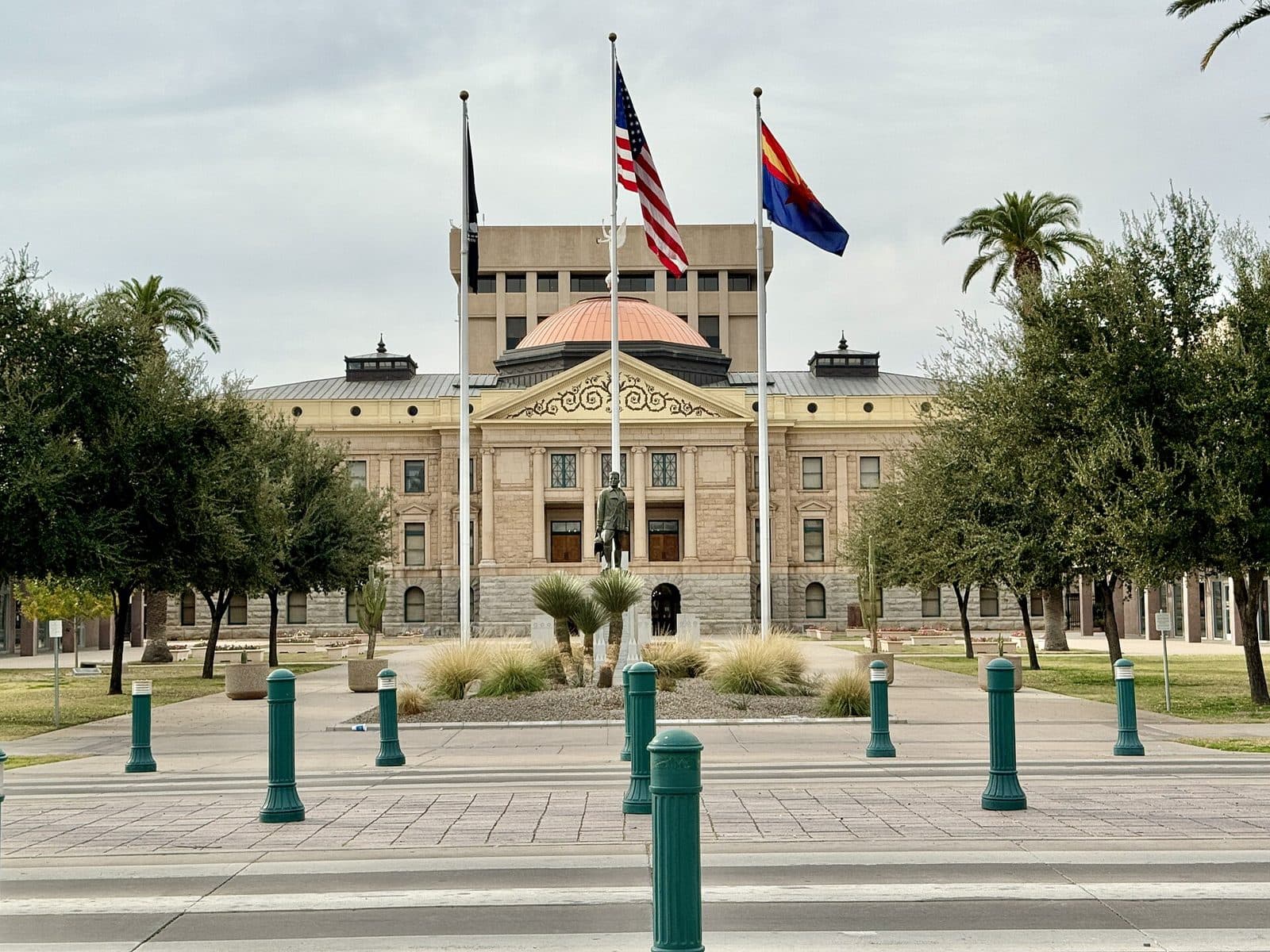
Photo: w_lemay, CC BY-SA 2.0
Track every Arizona ESA order in one place
The ChoicePaid dashboard (early access) shows what's confirmed, what's waiting on a receipt or tracking number, and when each payout is due, across every program you're in.